How to create Bybit API Keys
To create Bybit API keys, please follow steps as follows.
If you DO NOT have a Bybit account
Then please sign up
Referral code
We appreciate if you provide the referral code 148059 in the registration form field.
If you already have an Bybit account
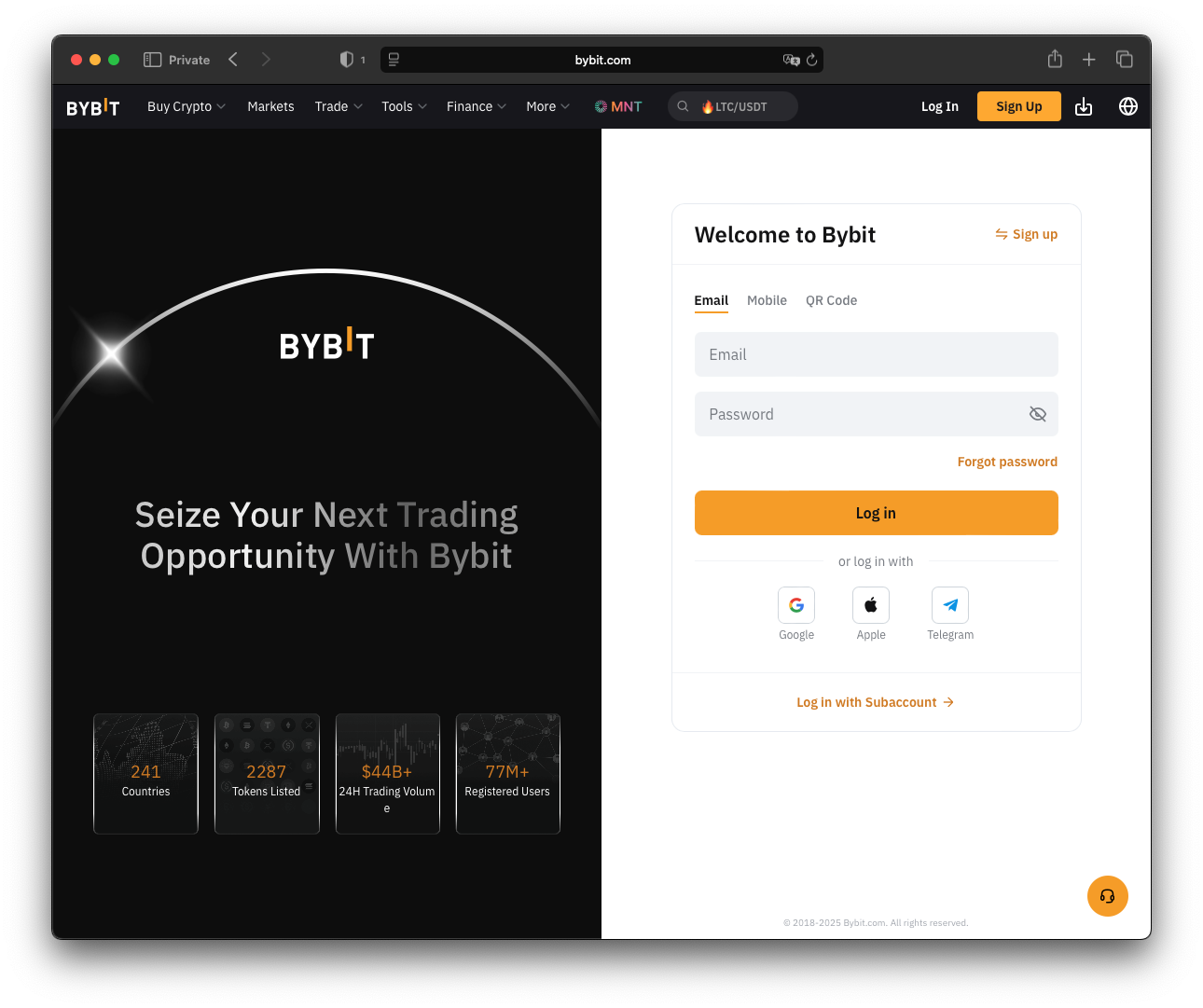
Then please log in
Create API key
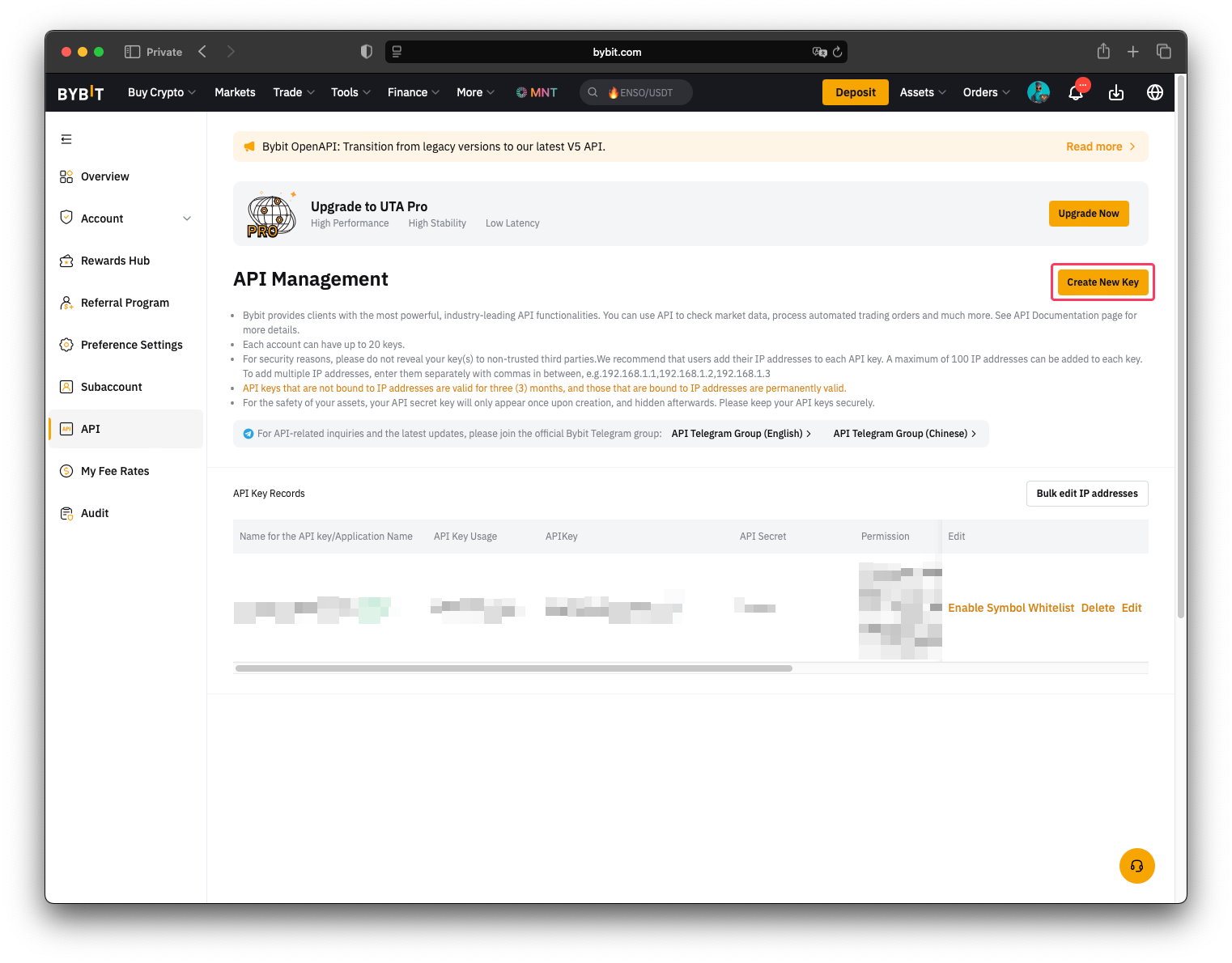
- Go to API keys page

- Click on "Create API Key" button
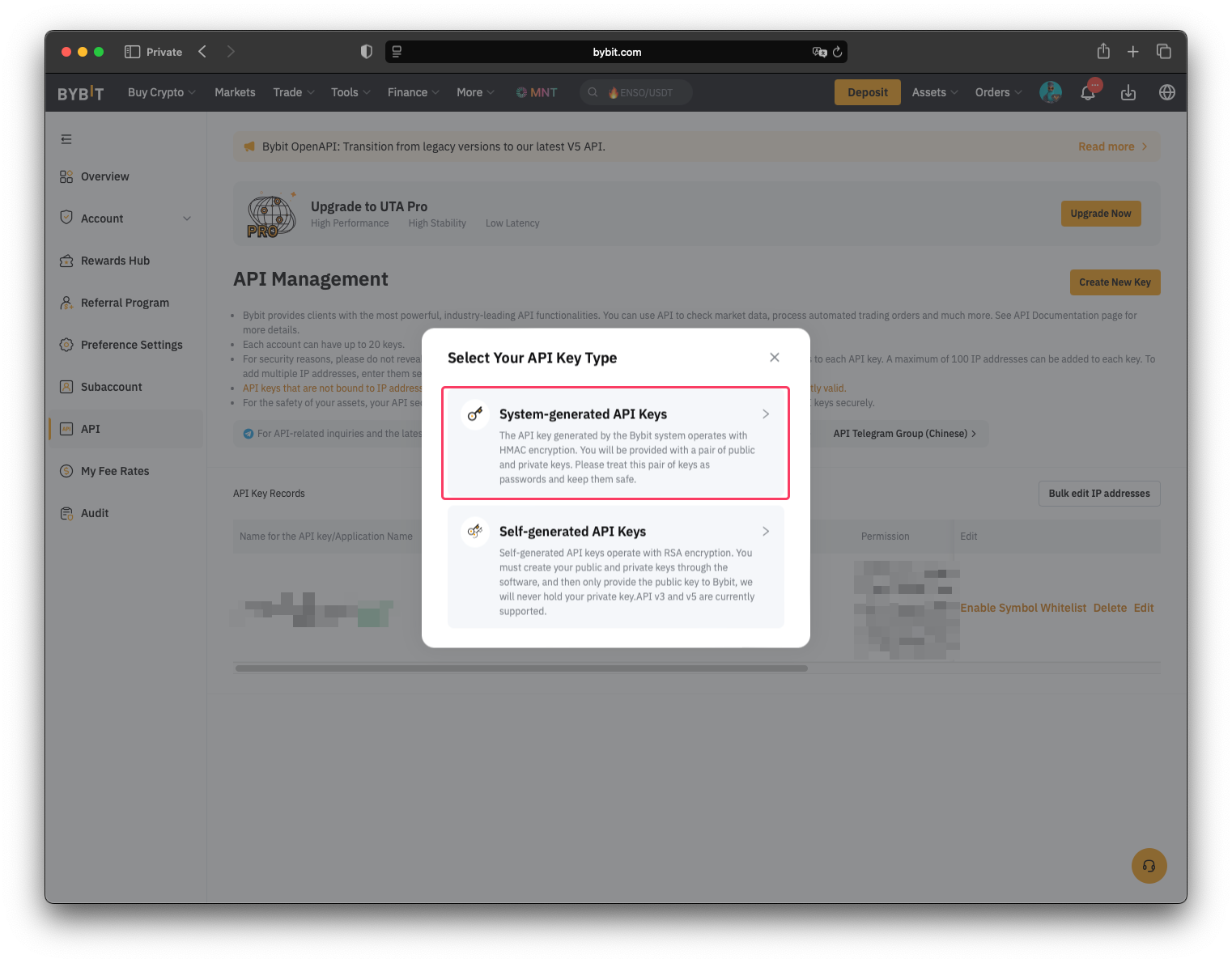
- Click on "System-generated API Keys"
- Fill in the form as shown below:
- "API Key Usage" set to "??????????/"
- "Name for the API key" is any string related to the key usage
- "API Key Permissions" is "Read-Write"
- Select "Only IPs with permissions granted are allowed to access the OpenAPI". And text edit
should be filled with comma separated list of IP addresses as follows:
103.54.18.200,83.136.233.215 - And finally select "Unified Trading" which automatically includes "Contract", "USDC Contracts" and "SPOT"
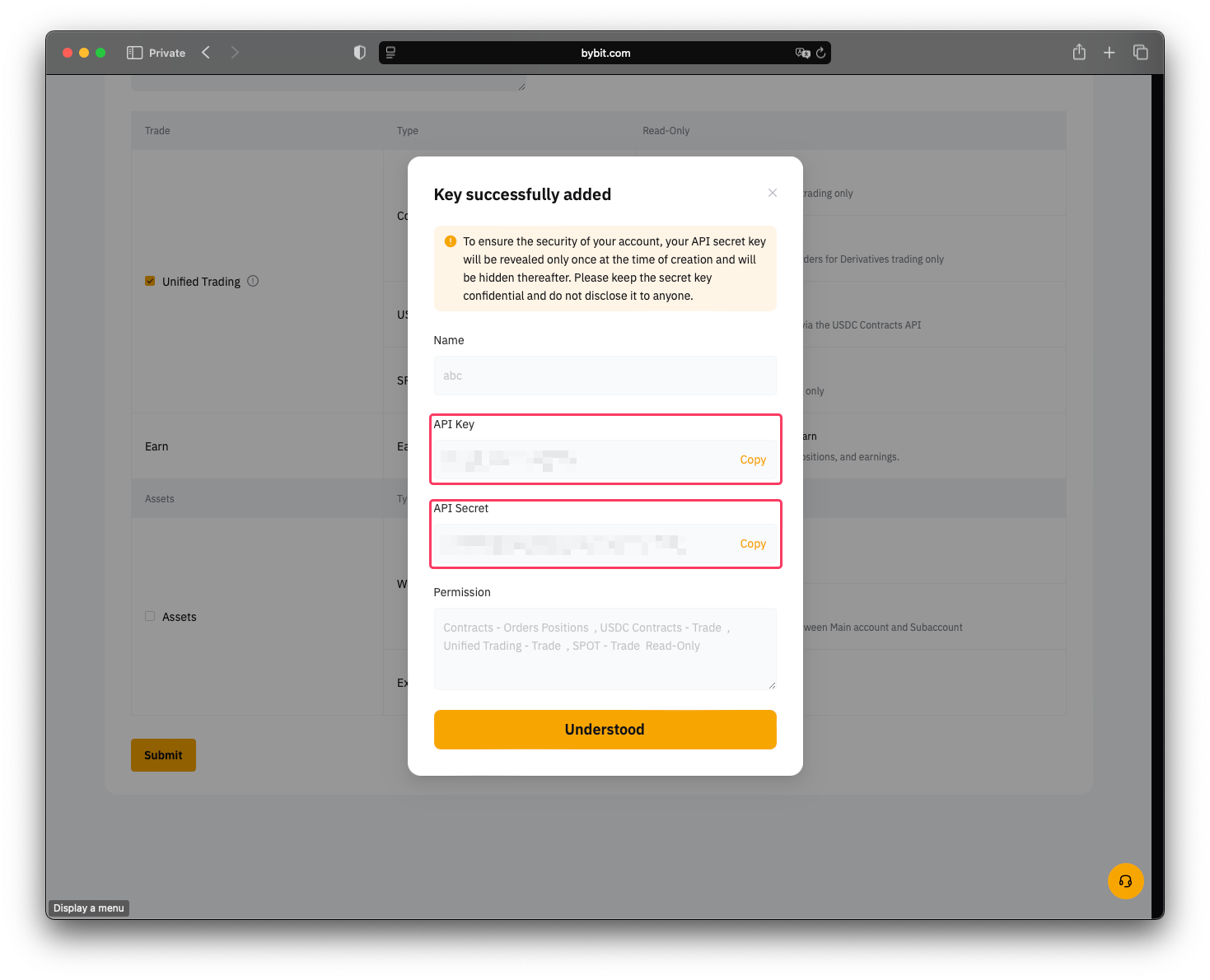
- Then please share with our support team "API key" and "API Secret key"